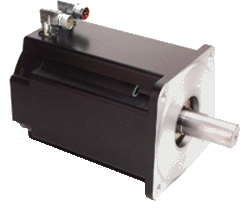
Prior to have your motion application up and running, you first need to connect, wire and configure all your hardware components.
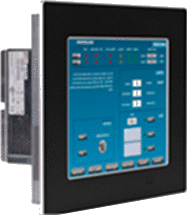
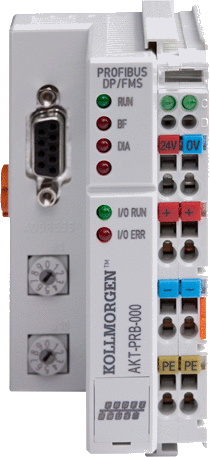
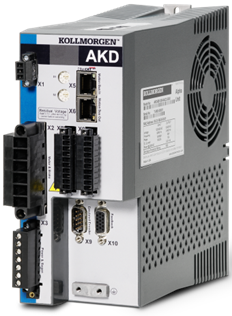
The Getting Started guide contains procedures for installing and configuring hardware components (HMI"Human-machine interfaces " Also known as computer-human interfaces (CHI), and formerly known as man-machine interfaces, they are usually employed to communicate with PLCs and other computers, such as entering and monitoring temperatures or pressures for further automated control or emergency response, PAC"Programmable Automation Controller" PAC is a compact controller that combines the features and capabilities of a PC-based control system with that of a typical programmable logic controller (PLC). A PAC thus provides not only the reliability of a PLC, but also the task flexibility and computing power of a PC. Additionally, because they function and communicate over popular network interface protocols, PACs are able to transfer data from the machines they control to other machines and components in a networked control system controllers, I/O Terminals, EtherCATEtherCAT is an open, high-performance Ethernet-based fieldbus system. The development goal of EtherCAT was to apply Ethernet to automation applications which require short data update times (also called cycle times) with low communication jitter (for synchronization purposes) and low hardware costs Motion Bus, AKD DriveControl device for regulating the speed, torque and position of a motor, and AKM Motor).
Figure 4-1: Connecting all the Hardware components
For extensive information about installing the different hardware components, see the relevant documentation available on:
Links to installation instructions for hardware components can be found in the following table.
|
Component |
Installation |
|
|
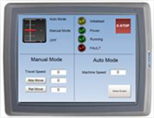
HMI (Human-MachineThe complete assembly of all connected parts or devices, of which at least one is movable Interface) |
|
Install the graphic operator interface |
|
Controller |
|
Install the Panel or Box Programmable Automation Control (PAC) |
|
EtherCAT Motion Bus |
|
Set up EtherCAT Motion Bus Communication See AKD™ EtherCAT Communication |
|
I/O Terminal |
|
Install the remote Input/Output Terminal |
|
AKD Drive |
|
Install the AKD Drive See AKD Installation Manual (and also AKD Quick Start) |
|
AKM Motor |
|
Install the AKM Motor Mechanical and Electrical installation Available from http://www.kollmorgen.com/ |
Table 4-1: Kollmorgen Automation Suite Installation and Configuration
|
Copyright © 2015 Kollmorgen™ |
|